Your badge in 4 quick steps
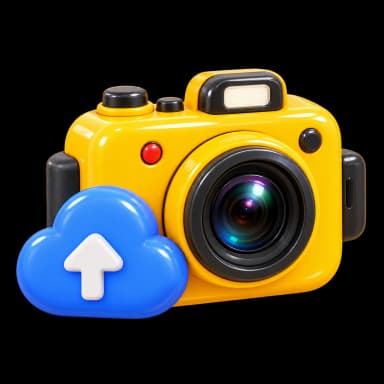
Take / upload
Start with one clear portrait

AI creation
Choose a look and visual style

Pick a result
Choose the one you love
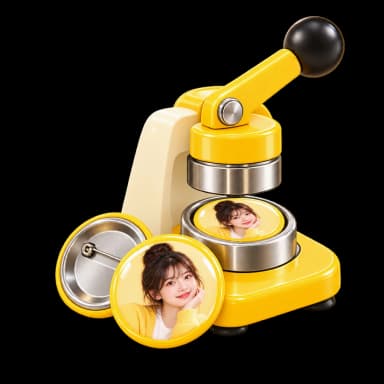
Make the badge
Made and picked up on site
How it works: 10 easy steps
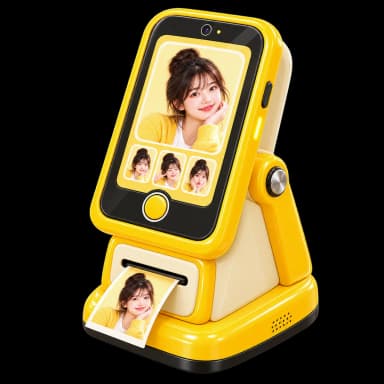
Find a HaiPai machine
Find a nearby yellow HaiPai station
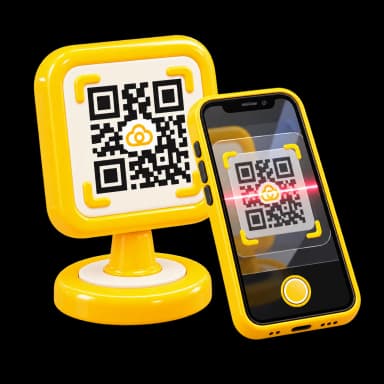
Scan to start
Scan the machine QR code to begin
Take or upload a photo
Take a photo or choose one on your phone

Photo quality check
Check face count, clarity and visibility

Choose a style
Pick the portrait look and visual style

AI creates your portrait
AI creates artwork from your photo and style

Pick your favorite
Choose your favorite generated result

Confirm and pay
Confirm the artwork and complete payment

Make the physical badge
Your physical badge is made on site

Pick it up on site
Pick up the finished badge and take it home
Photo source
At the machine
Best quality on site
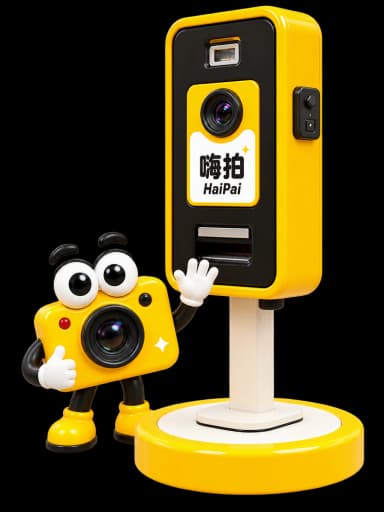
Upload by phone
Choose one from your album

Photo tips
Recommended
Clear and well lit



Not recommended
Group, blur or covering



A real badge, made on site and ready to take home
Premium materials
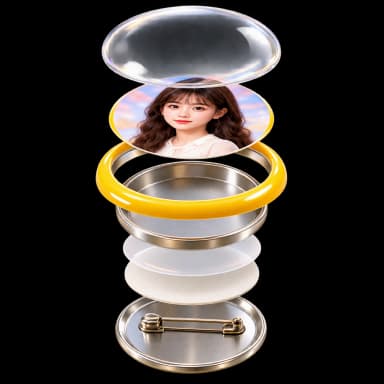
Layered structure with a crisp glossy finish
Final preview
Preview the final artwork before making it
Metal pin back
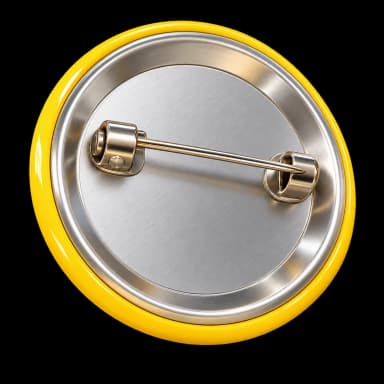
Secure and durable pin for easy wearing
Made on site
Professionally pressed and finished on site
Take it home

Ready in minutes and yours to take home